
How to Build Reusable AI Workflows Without Creating Agent Sprawl
By Erin Harris, AI Strategy & Business Transformation Consultant
A growing business can accumulate AI tools faster than it accumulates better processes. Marketing buys one assistant, operations builds another, and customer service signs up for a third. Each tool may be useful on its own, but overlapping capabilities can increase training, review, integration, and subscription costs.
A November 6, 2026 McKesson posting for Senior Director, AI Enablement illustrates an enterprise-level response. The employer describes reusable AI capabilities, an AI Skills Marketplace, MCP servers, agents, governance, and adoption programs. Those are stated job responsibilities, not evidence of McKesson's current performance. Small businesses can borrow the underlying design principles without copying the organizational chart.
What is a reusable AI workflow?
A reusable workflow separates common components from department-specific decisions. Common components might include approved data access, an inquiry classification method, a standard quality checklist, audit logs, and escalation rules. Department-specific elements might include the customer message, timing, approval authority, and record updates.
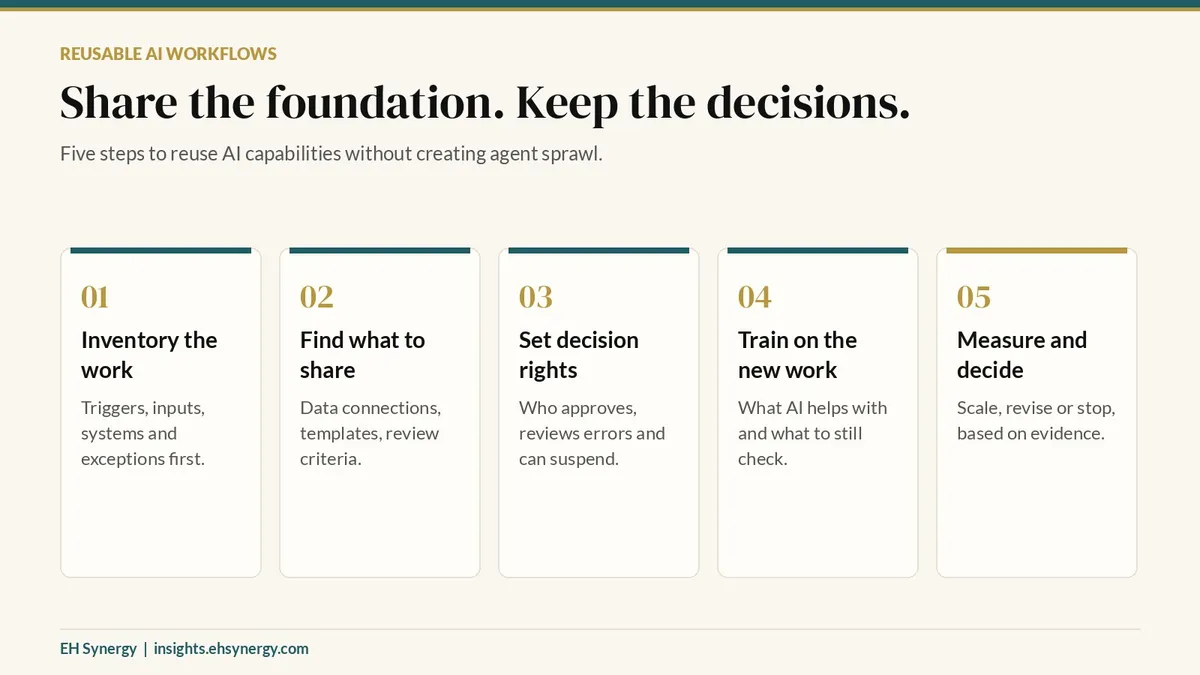
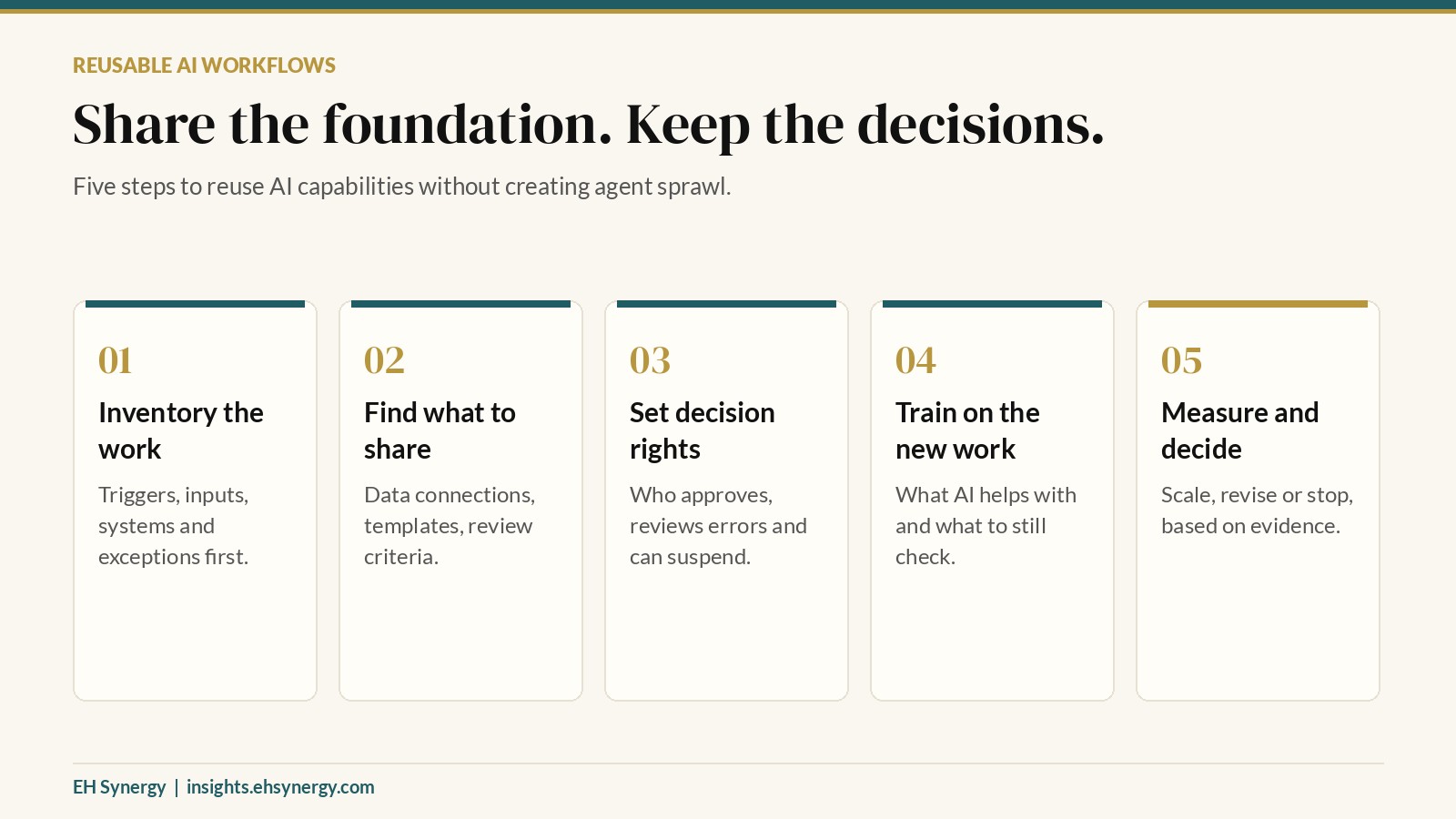
A five-step assessment method
1. Inventory the work before the tools
Document the trigger, inputs, outputs, systems, employees, exceptions, and current time required for each task. Ask where staff re-enter information or repeat decisions. Identify the business owner, not merely the software administrator.
2. Identify what should be shared
Compare two or three candidate workflows. Look for common data connections, document templates, permission patterns, review criteria, and monitoring needs. Do not combine processes simply because both use AI. Regulatory exposure and customer impact may require separation.
3. Set decision rights and guardrails
For each automation, record who can request changes, approve deployment, grant data access, review errors, and suspend the workflow. If an agent can send messages or modify records, specify approval thresholds and audit requirements before launch.
4. Train people on the redesigned work
Show employees where AI helps, what must still be checked, and how to report failures. Run a small pilot with sample or appropriately protected data. A usage dashboard is not proof that the workflow is better.
5. Measure value and make a decision
Compare baseline and pilot performance using task completion time, staff review time, error and rework rates, customer experience, direct vendor cost, and maintenance effort. Decide to scale, revise, or stop. Report uncertainty instead of inventing ROI.
Example: Two workflows, one shared foundation
Imagine a small property-management company with separate maintenance and leasing inboxes. Both teams need incoming messages classified and routed, but only maintenance requests may require emergency escalation and vendor dispatch. A common message-intake component may be reusable. The decision rules, permissions, and human review should remain distinct. The company should test whether shared infrastructure reduces duplicated work without making either workflow less reliable.
This is an illustrative example, not a client case study or claim of achieved savings.
The decision that matters
Do not ask only whether an AI tool works. Ask whether the business can maintain it, whether another team can reuse safe components, and whether a named owner can explain the results. A clear operating model can prevent expensive duplication while preserving necessary differences between teams.
Source and employer evidence: https://careers.mckesson.com/en/job/columbus/senior-director-ai-enablement/733/102953534656
EH Synergy helps businesses assess workflows, prioritize appropriate AI opportunities, and design practical implementation plans.